Overview
Welcome to ERPNext
ERPNext is the company’s integrated business management platform used to manage Finance, Procurement, Inventory, Assets, Projects, Sales, and Human Resources through a single source of truth.
Getting Started
Login using your company credentials.
On first: login
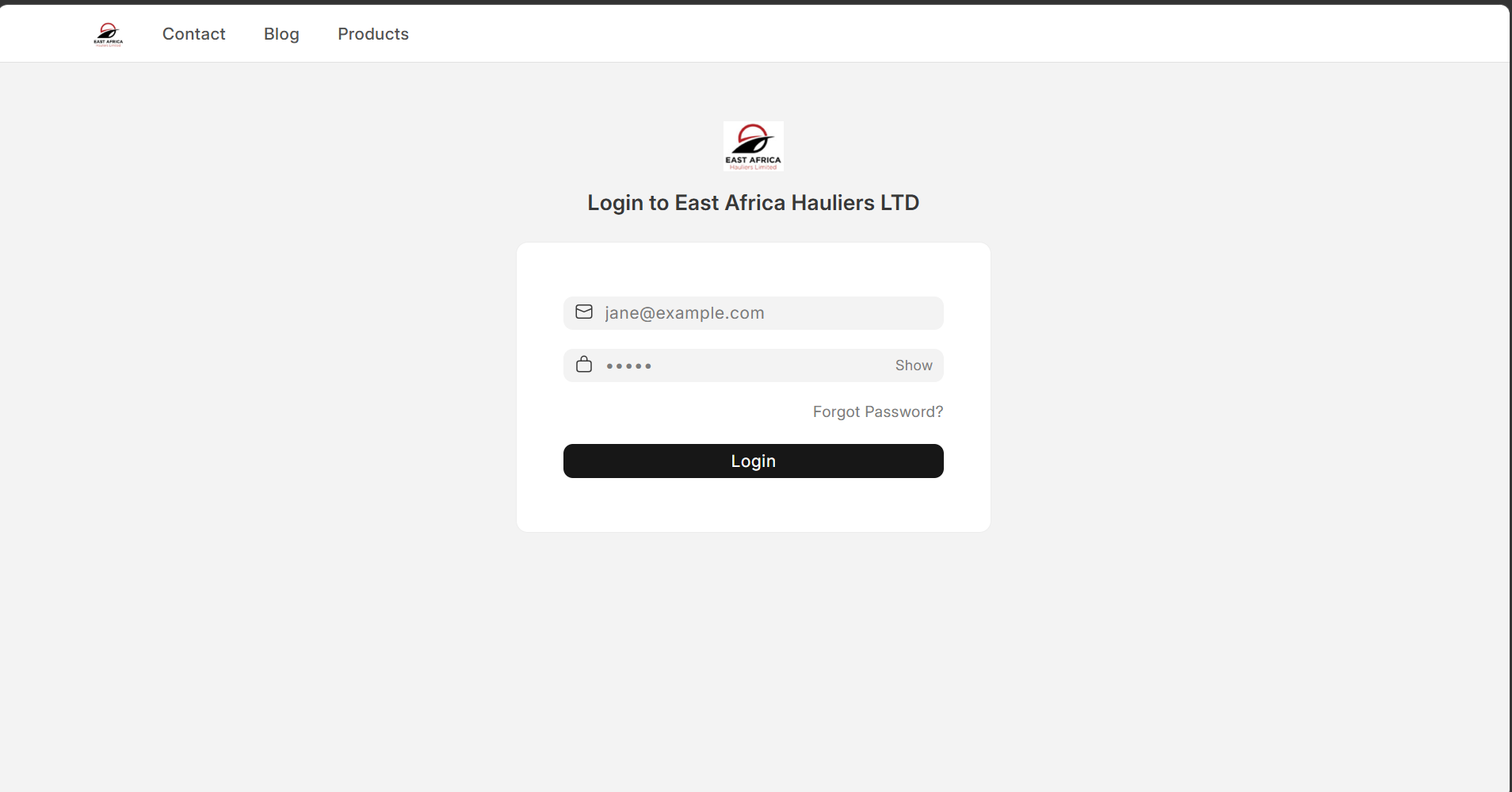
Then: Update your password, Review your profile, and Confirm your assigned roles.
Understanding the Interface
Use Global Search (Ctrl+G) to quickly find documents, reports, customers, suppliers, assets, and employees.
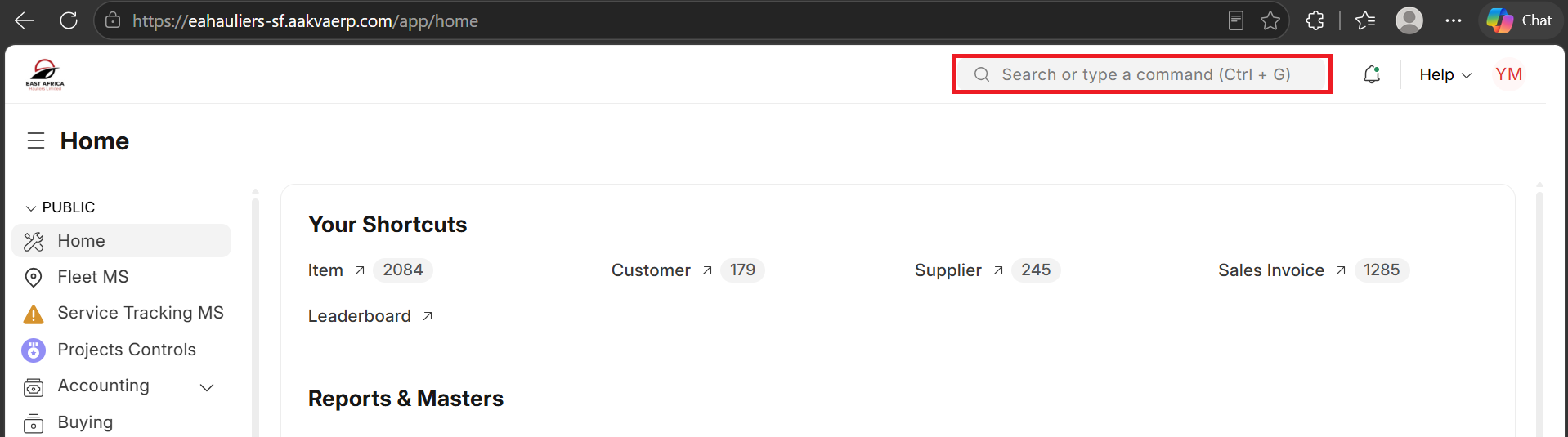
Navigate using the sidebar, workspaces, and notifications panel.
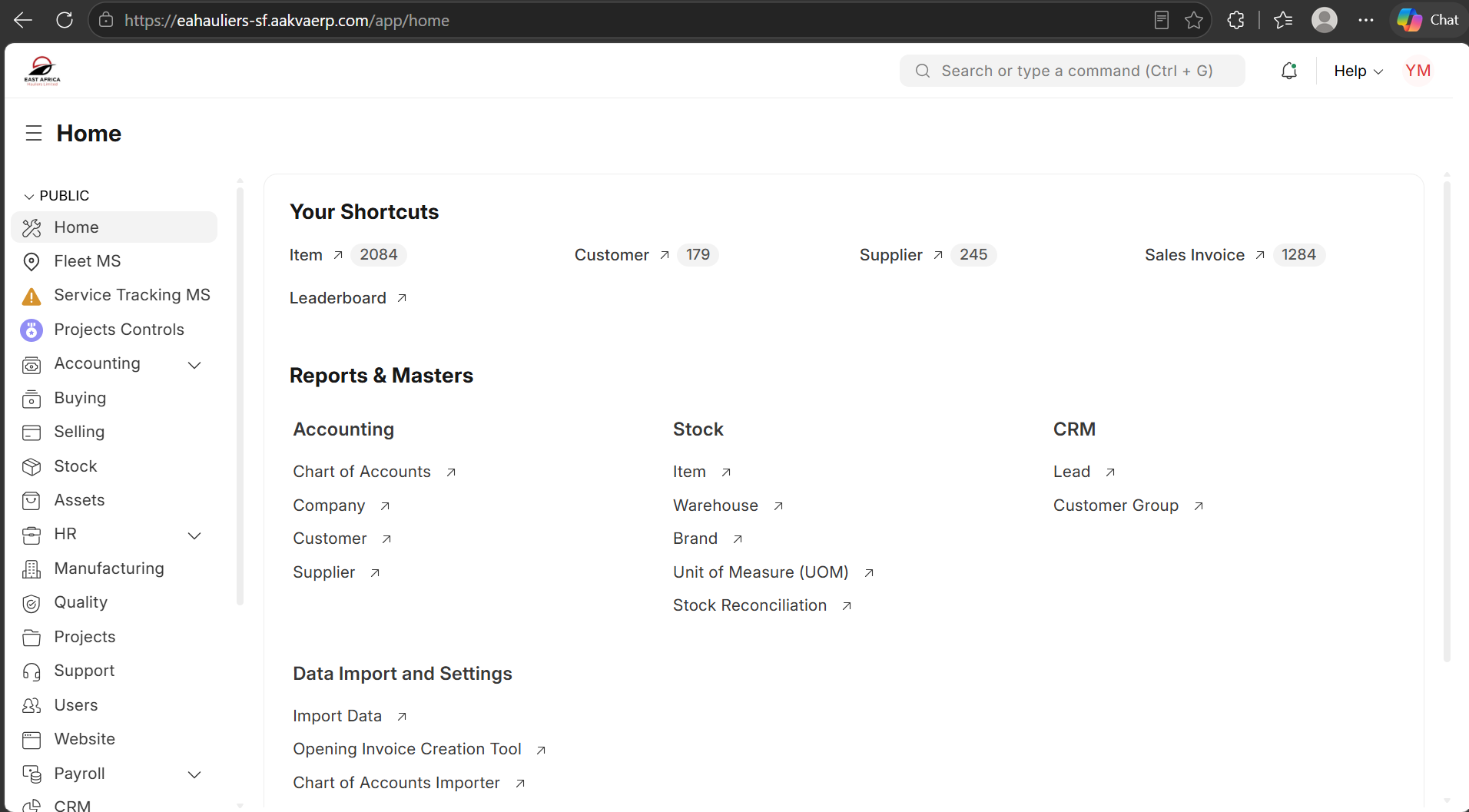
Workspaces
Workspaces are role-based landing pages providing quick access to transactions, reports, and dashboards relevant to your department.
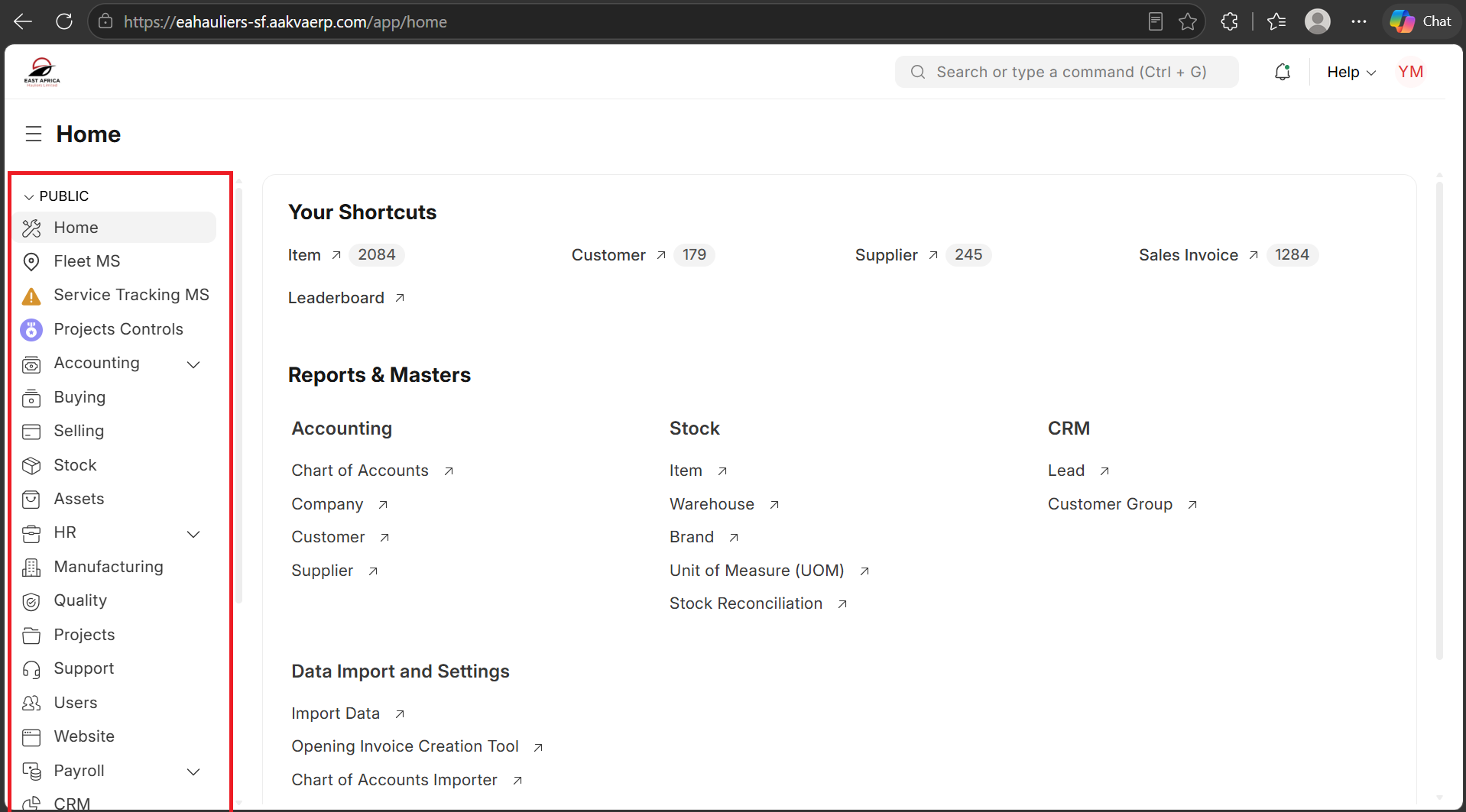
Core Modules
Accounting, Buying, Selling, Stock, Assets, Projects, and Human Resources.
Document Lifecycle
Most transactions follow: Draft → Submitted → Cancelled. Submitted documents become official business records.
Workflow & Approvals
Some documents require approval before submission. Monitor workflow states and notifications regularly.
Filtering & Searching
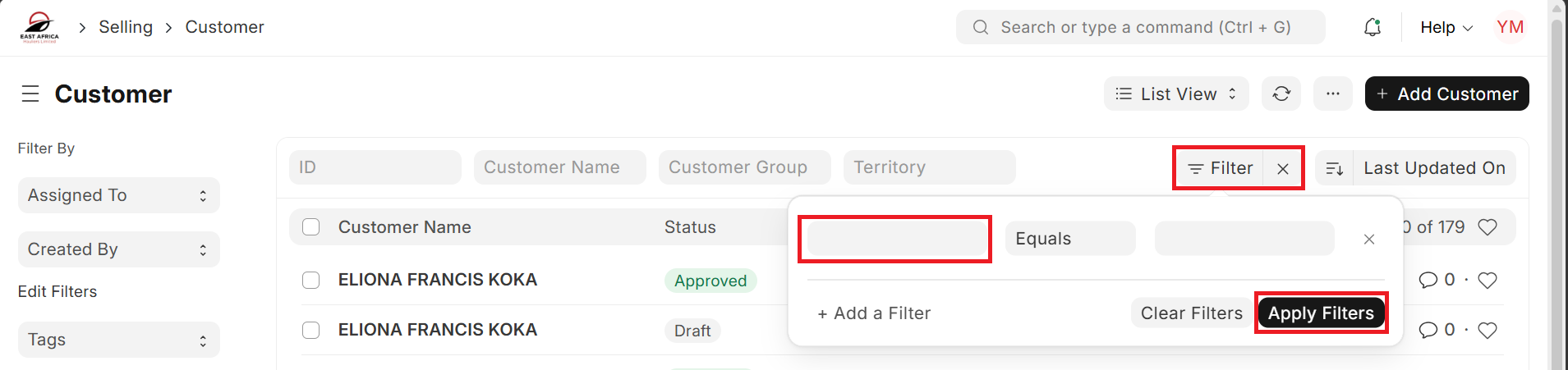
Use filters such as Date, Status, Company, Supplier, Customer, and Cost Center to locate records efficiently.
Security Responsibilities
Do not share passwords, use another employee’s account, or leave sessions unattended. Follow company security policies.
Understanding System Messages
Success (Green), Warning (Yellow), and Error (Red) messages provide feedback on system actions.
Reporting Issues
Always provide the document number, screenshot, date/time, steps performed, and the exact error message.
Keyboard Shortcuts
Ctrl+G = Search, Ctrl+S = Save, Ctrl+Shift+S = Submit, Esc = Close Dialog.
Best Practices
Verify data before submission, follow workflows, and maintain data quality.